Step 1: Sign up in a minute
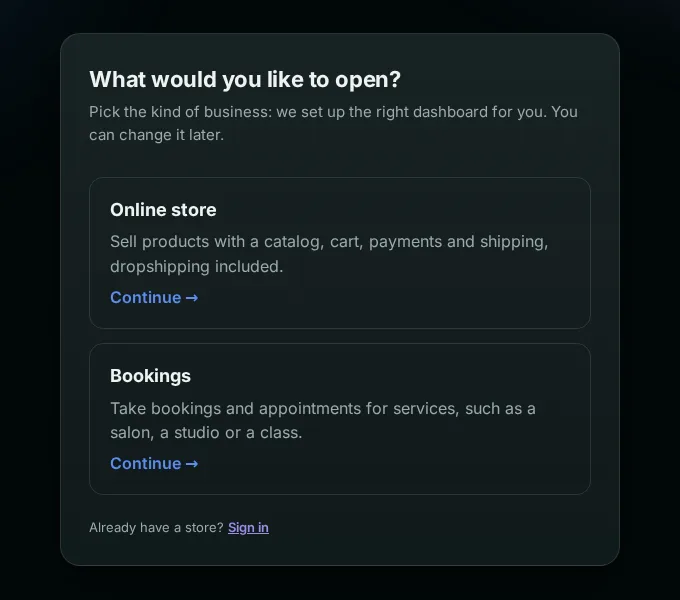
Choose an online store or a booking site, then enter your name, email and password. You get 14 days free, no card.
 Chrinova
How it works
Your site, products, payments and orders live in one dashboard. Here is what you do, step by step, with pictures of the real app.
Choose an online store or a booking site, then enter your name, email and password. You get 14 days free, no card.
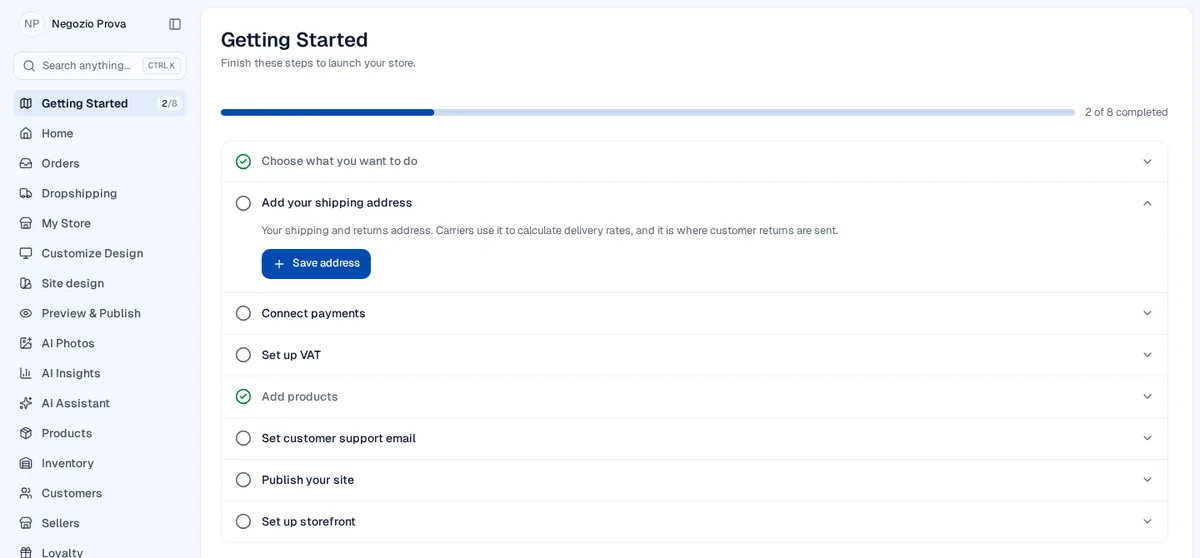
The dashboard tells you what to do before you open: address, payments, VAT, products, publishing. You tick off one item at a time and see how much is left.
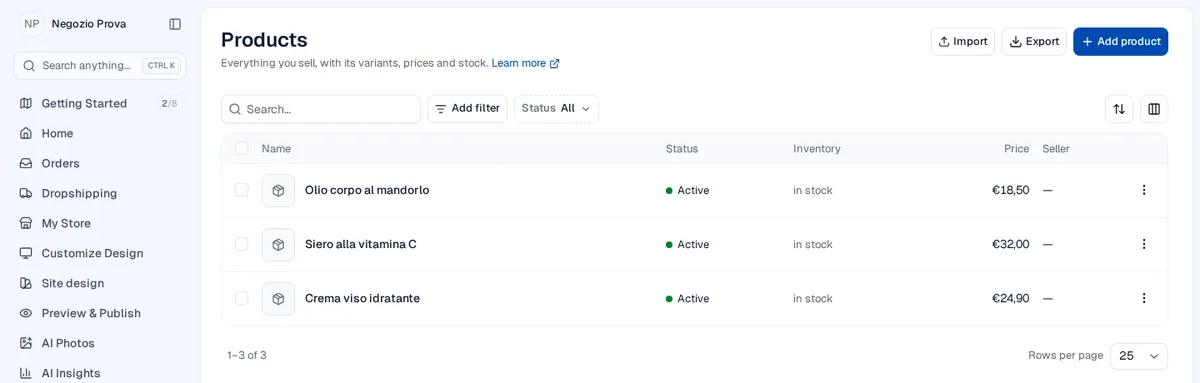
Enter them by hand with variants, prices and stock, import them from a CSV file, or link them to a supplier and sell with dropshipping.
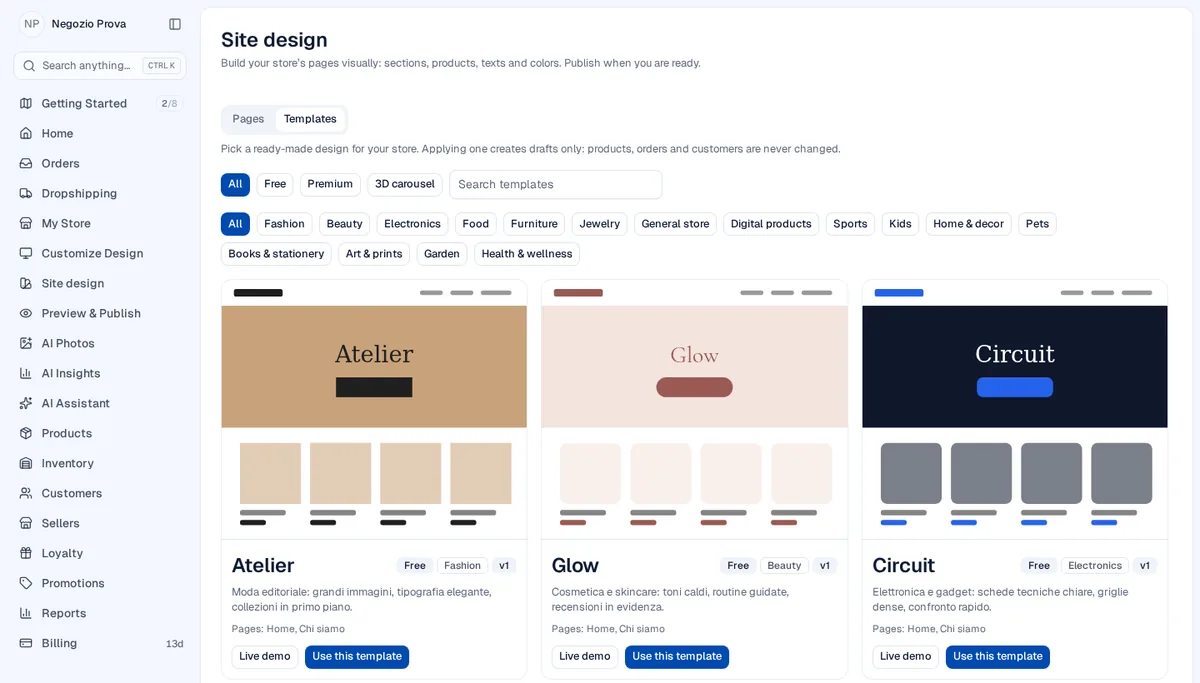
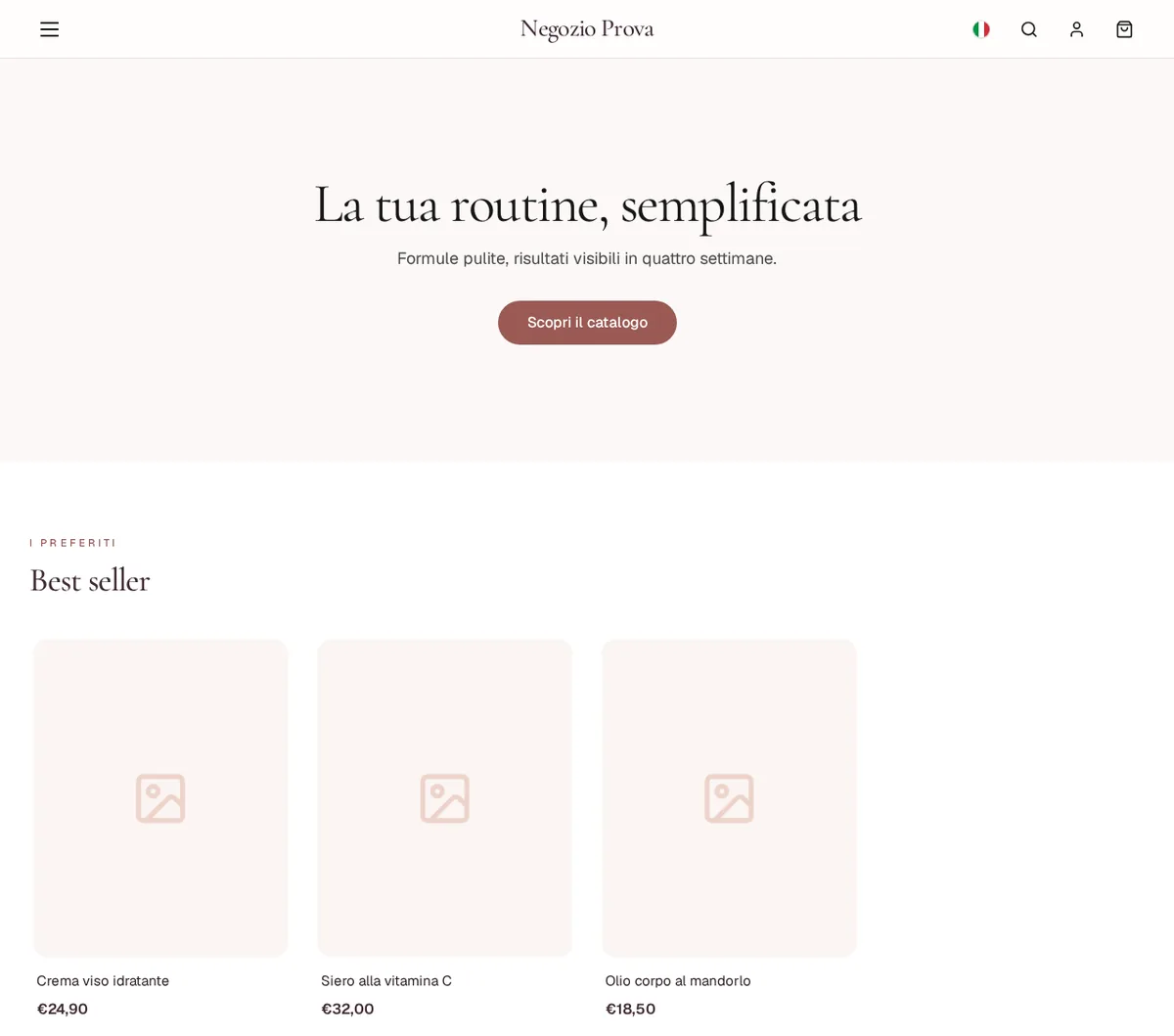
Start from one of 1,117 templates, free or premium, and adapt your brand, colors and fonts; add your own pages with the visual editor. A template only creates drafts: nothing goes live until you publish.
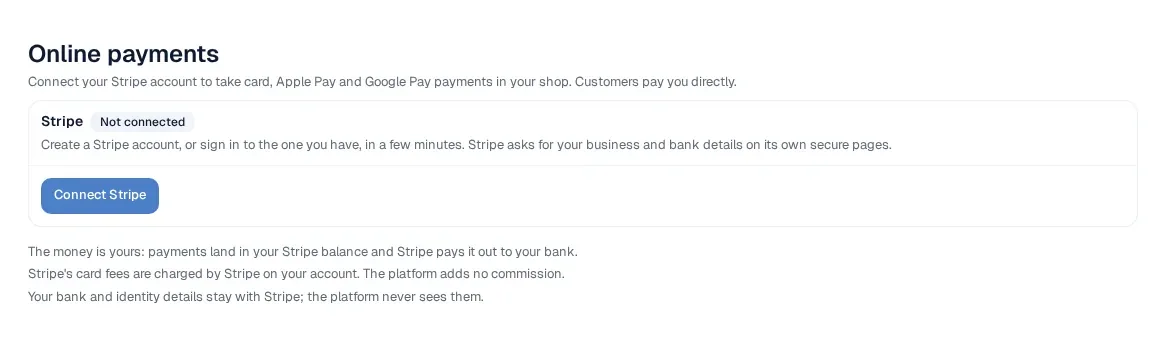
Connect your Stripe account in a few minutes: cards, Apple Pay and Google Pay go straight to your account. Chrinova takes no commission on your sales.
Preview on desktop, tablet and phone, then publish: your site is live on a free address or on your own domain. Orders arrive in the dashboard; dropshipping ones you pass on to the supplier, automatically from the Pro plan.
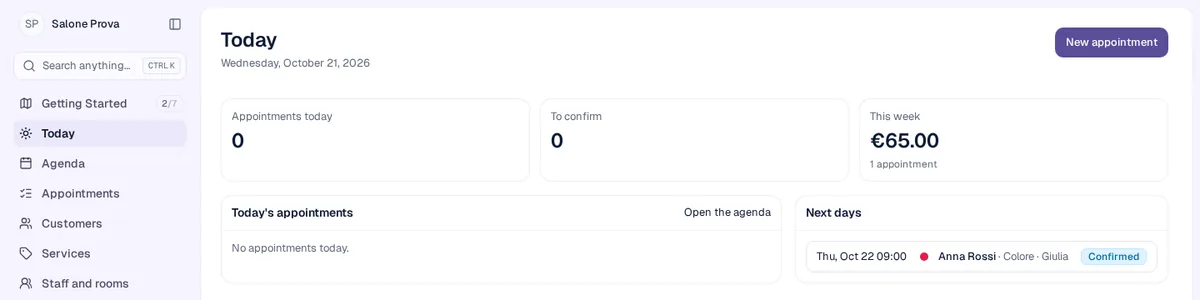
With a booking site the dashboard is made for appointments: agenda, services, staff and rooms, hours and closures. Customers book from your site and you see the day on the Today page.
14 days free, no card. In a minute you have your dashboard and your site.
Start free